##Day 3 Task: Basic Linux Commands

Task: What is the Linux command to
To view what's written in a file.
command:
cat <file name.txt>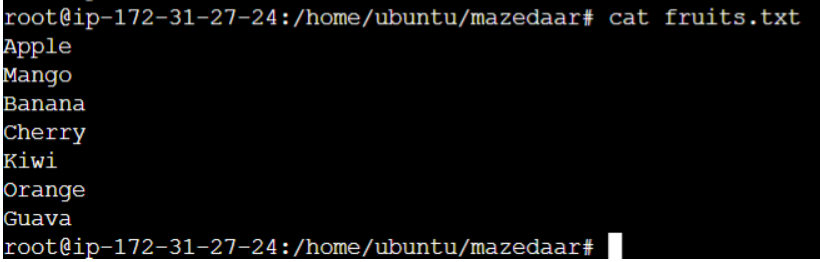
To check which commands you have run till now.
command:
history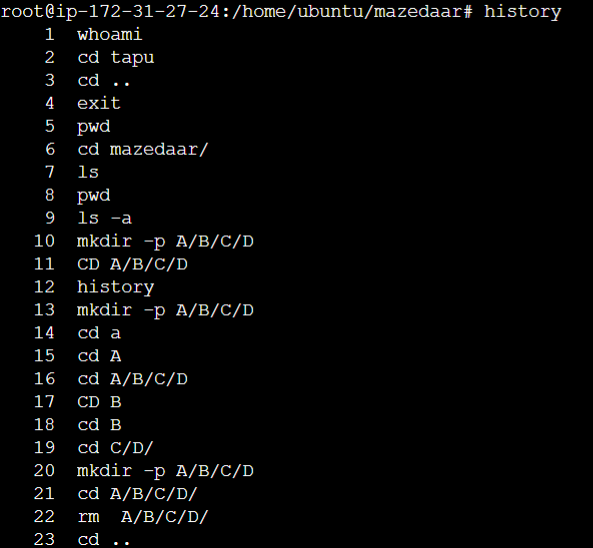
To remove a directory/ Folder.
command:
rmdir <folder name>
To Remove a file
command:
rm <file name>
To create a fruits.txt file
command:
touch fruits.txt
Add content in devops.txt (One in each line) - Apple, Mango, Banana, Cherry, Kiwi, Orange, Guava.
command:
vim fruits.txt1. Type i to switch into insert mode so that you can start editing the file. And to exit from 'insert' mode, hit ESC (the escape key).
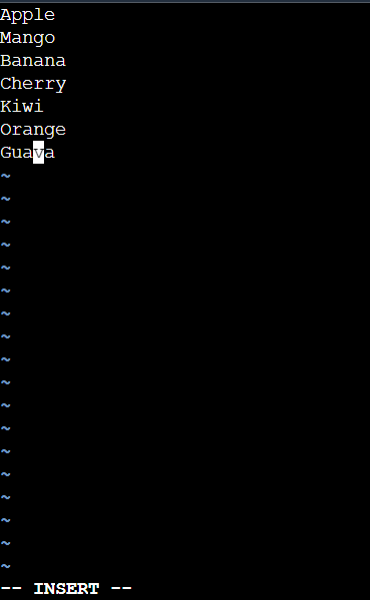
2. Type command:
wqto save and exit your file.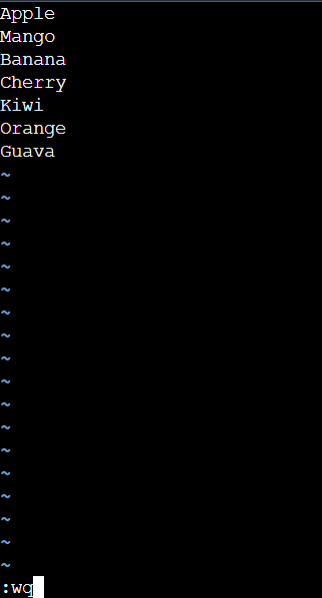
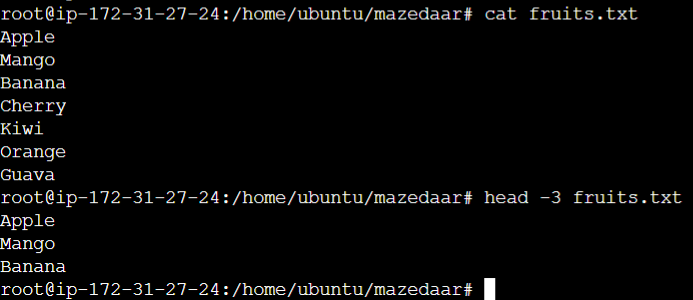
Show only the top three fruits from the file.
command:
head -3 fruits.txtThis command prints the first N number of data of the given input. By default, it prints 7 lines.
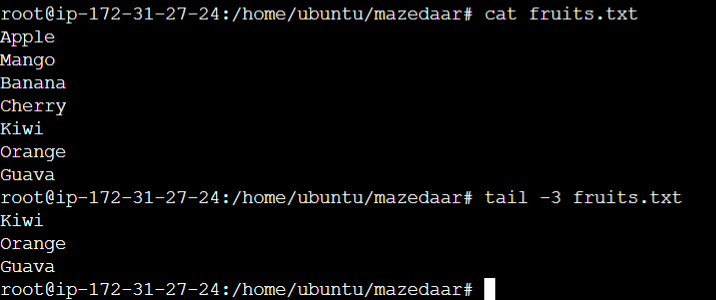
Show only the bottom three fruits from the file.
command:
tail -e fruits.txtThis command prints the last N number of data of the given input. By default, it prints 7 lines.
To create another file Colors.txt and to view the content.
command:
touch colors.txt
Add content in Colors.txt (One in each line) - Red, Pink, White, Black, Blue, Orange, Purple, Grey.
command:
vim colors.txt1. Type i to switch into insert mode so that you can start editing the file. And to exit from 'insert' mode, hit ESC (the escape key).
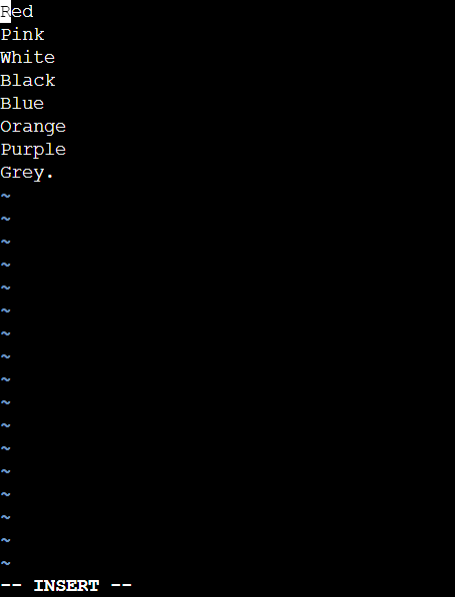
2. Type command:
wqto save and exit your file.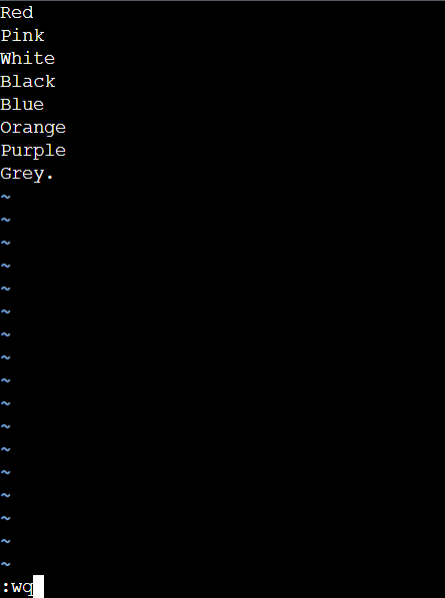
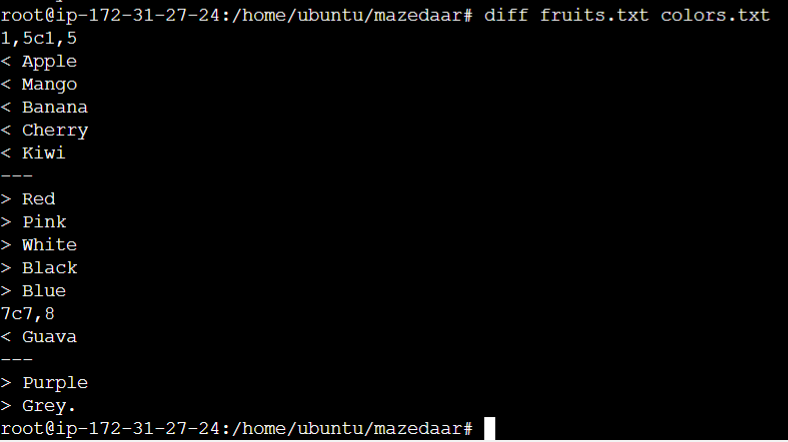
To find the difference between fruits.txt and colors.txt files.
command:
diff fruits.txt colors.txt